Welcome to ucited.ai
Your dashboard for AI visibility and Generative Engine Optimization.
What is ucited.ai?
ucited.ai is a platform that measures how visible your brand is in the responses of the AI models available in the dashboard. While traditional SEO optimizes visibility in search engine result pages, Generative Engine Optimization (GEO) goes a step further: it analyzes whether and how often your brand is mentioned in AI-generated answers.
With ucited.ai, you can see at a glance how your brand compares to competitors in the new world of AI search — and what concrete actions you can take to boost your visibility.
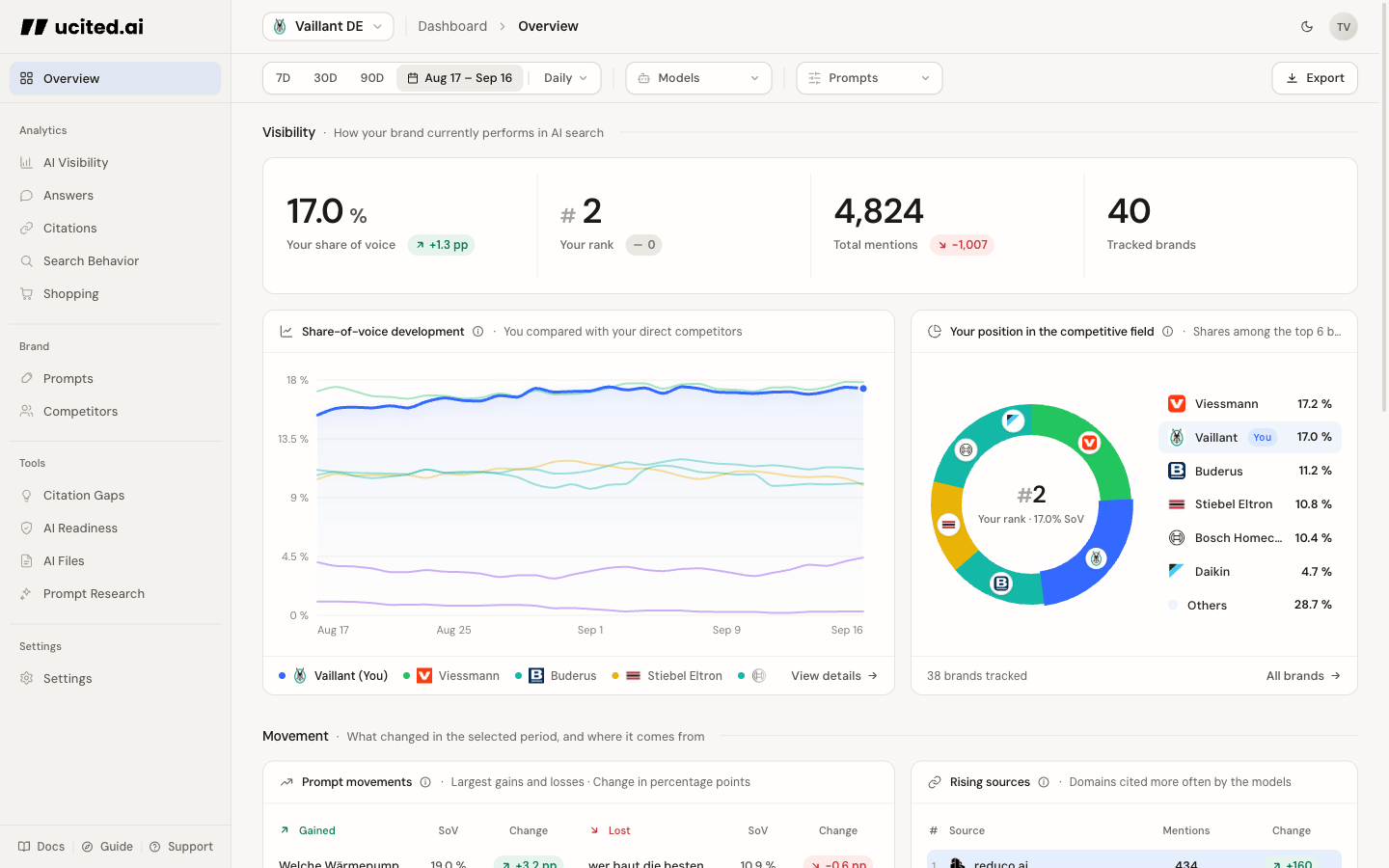
This documentation is designed for marketing managers, content strategists, and SEO managers who want to understand and improve their AI visibility.
What you will find in this documentation
This documentation helps you get the most out of ucited.ai. Here is what it covers:
- Getting Started — Quick start guide, dashboard overview, and navigation
- Analytics — Share of Voice, Citations, Answers, Search Behavior, Shopping, and Prompt Performance
- Configuration — Clients, competitors, and prompts with topics and keywords
- Tools — Prompt Research, Citation Gaps, AI Readiness, and AI Files
- Methodology — How citations, mentions, and SOV are interpreted
Quick navigation
Choose a section to jump right in:
Quickstart
From login to your first insight in 5 minutes — step by step.
Dashboard Overview
Learn about Overview, sidebar, filters, and the main entry points.
Understanding Metrics
Share of Voice, Citations, Search Behavior, and Shopping explained.
Setup
Set up prompts and competitors, and understand model filters.
If you are using ucited.ai for the first time, we recommend starting with the Quickstart guide. In just a few minutes, you will have a complete overview of your AI visibility.