Quickstart
From login to your first AI visibility insight in 5 steps.
Don't have an account yet? Our onboarding walks you through: create account → set up your website, analysis, and brand profile → choose a plan or free trial → confirm topics and prompts → start the first collection. See Onboarding & Setup for details.
Step 1: Login
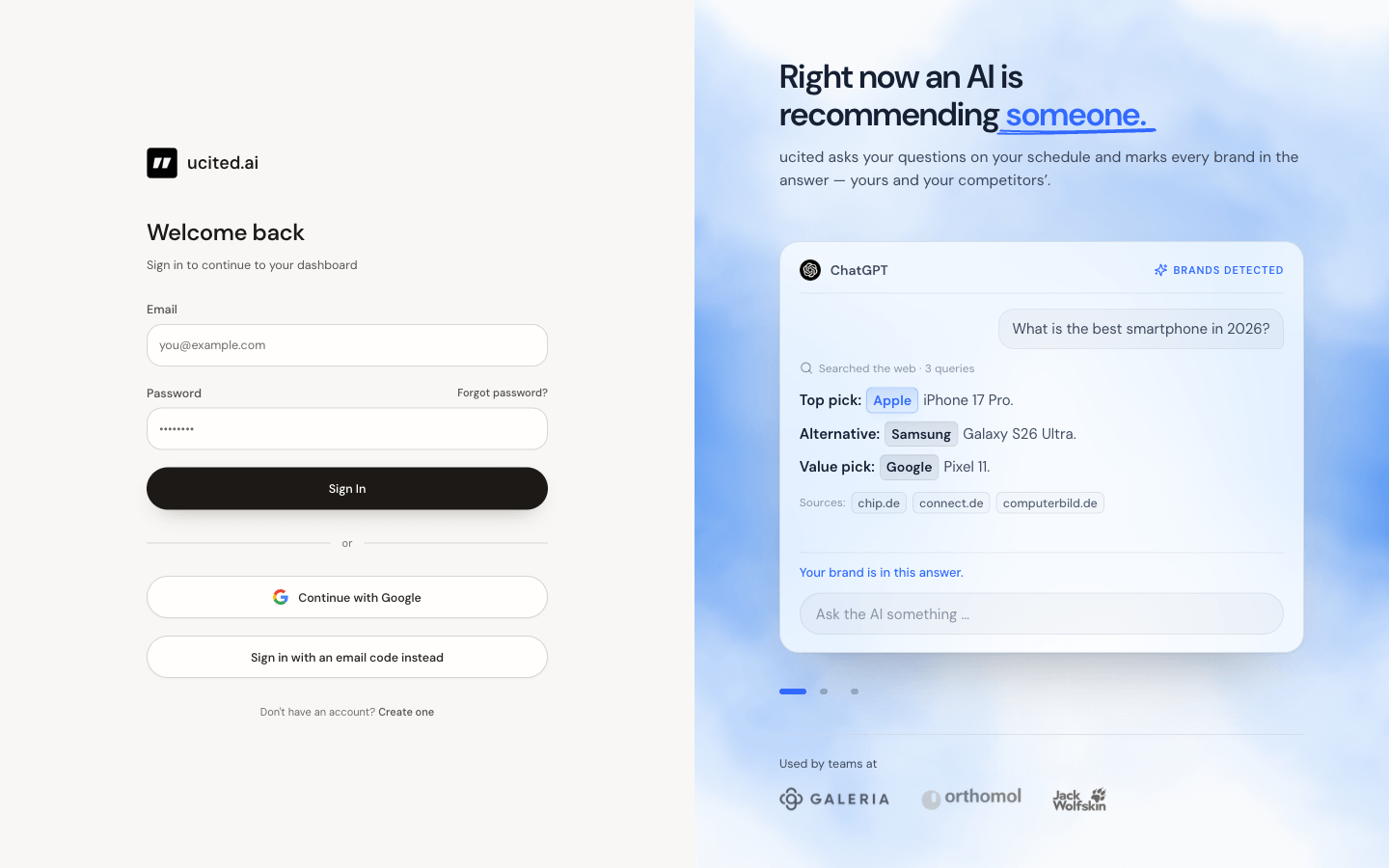
Open ucited.ai and sign in with your credentials. After logging in, you will be taken directly to the dashboard of your most recently active client. This guide is for returning users — if this is your first login, you will be guided through onboarding automatically.
If you joined via an invitation link, your client and basic settings are already pre-configured. You can skip ahead to Step 3.
Step 2: Select a client
A client represents a brand or project for which you track AI visibility. If you have access to multiple clients, you can switch between them using the client selector in the top bar.
Make sure your client already has prompts (the questions asked to AI models). They are the foundation for every metric. Competitors do not need to be set up in advance; we detect them automatically from your answers, and you can curate them anytime on the Competitors page.
Step 3: Explore the dashboard
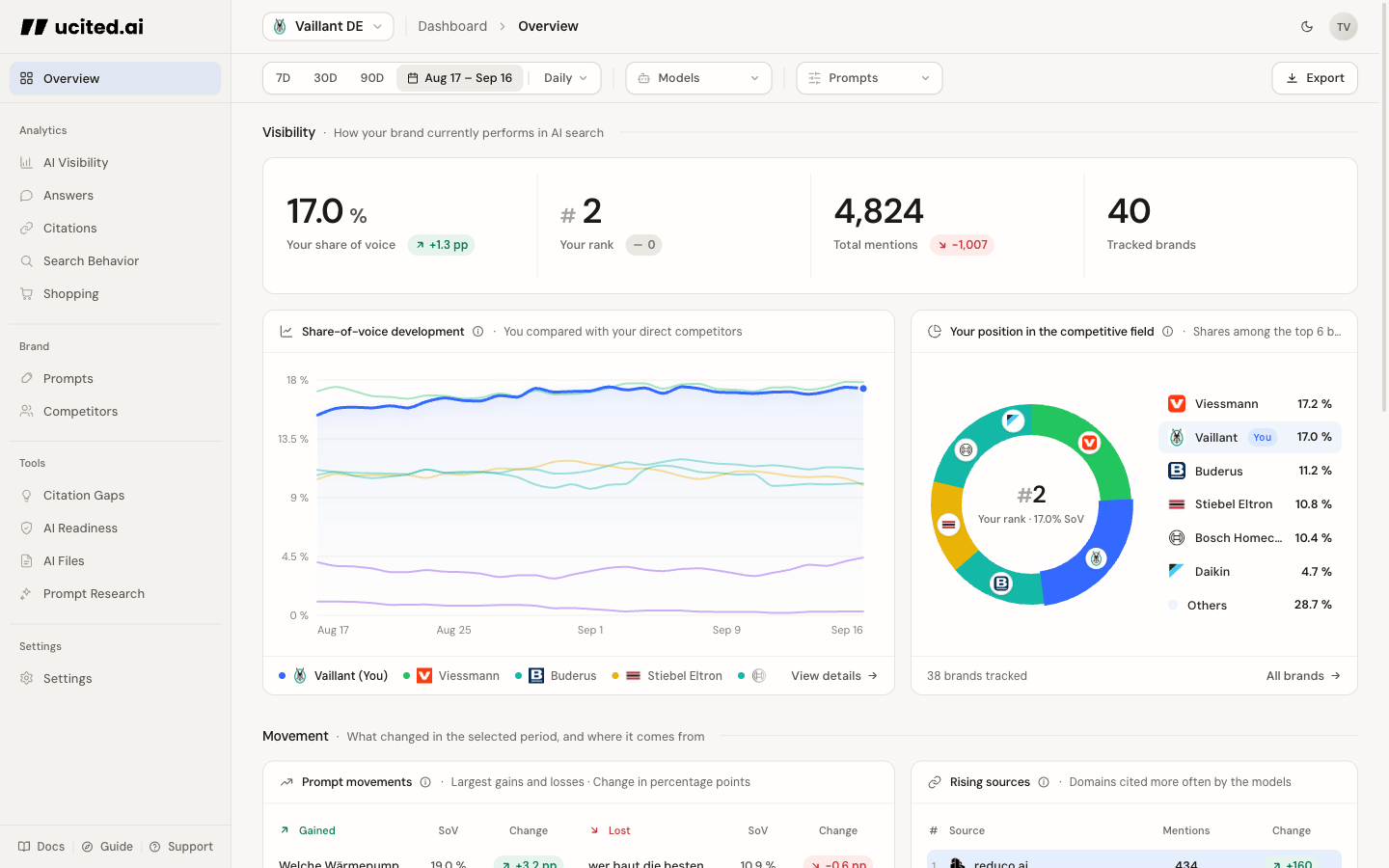
The dashboard is your central hub. The Overview page gives you a quick read; detailed analysis lives in dedicated sidebar areas:
- Overview — key KPIs, at-a-glance cards, and recent answers
- Analytics — Share of Voice, Citations, Answers, Search Behavior, and Shopping
- Configuration — Clients, competitors, and prompts
- Tools — Prompt Research, Citation Gaps, AI Readiness, and AI Files
Step 4: Understand the metrics
Each metric in the dashboard answers a specific question:
- Share of Voice: “What is my share of all brand mentions?”
- Mentions: “In which prompts and time periods am I mentioned?”
- SOV by Model: “Which AI model mentions me most frequently?”
- Prompt Performance: “Which prompts are most important for my visibility?”
Click on any metric in the dashboard to view it in detail. In this documentation, you will find a comprehensive explanation of each metric with concrete action items.
Step 5: Discover the tools
Beyond metrics, ucited.ai offers four tools to help you actively improve your visibility:
- Citation Gaps — find source and content gaps you can turn into action
- AI Readiness — check how well a single page is prepared for AI systems
- AI Files — generate llms.txt, llms-full.txt, and a facts page for your website
- Prompt Research — discover new relevant prompts for your topic area
Next steps
You now have a solid overview. Here are our recommendations for what to explore next: