AI Files
Generate the files that help AI systems read and describe your website: llms.txt, llms-full.txt and a facts page.
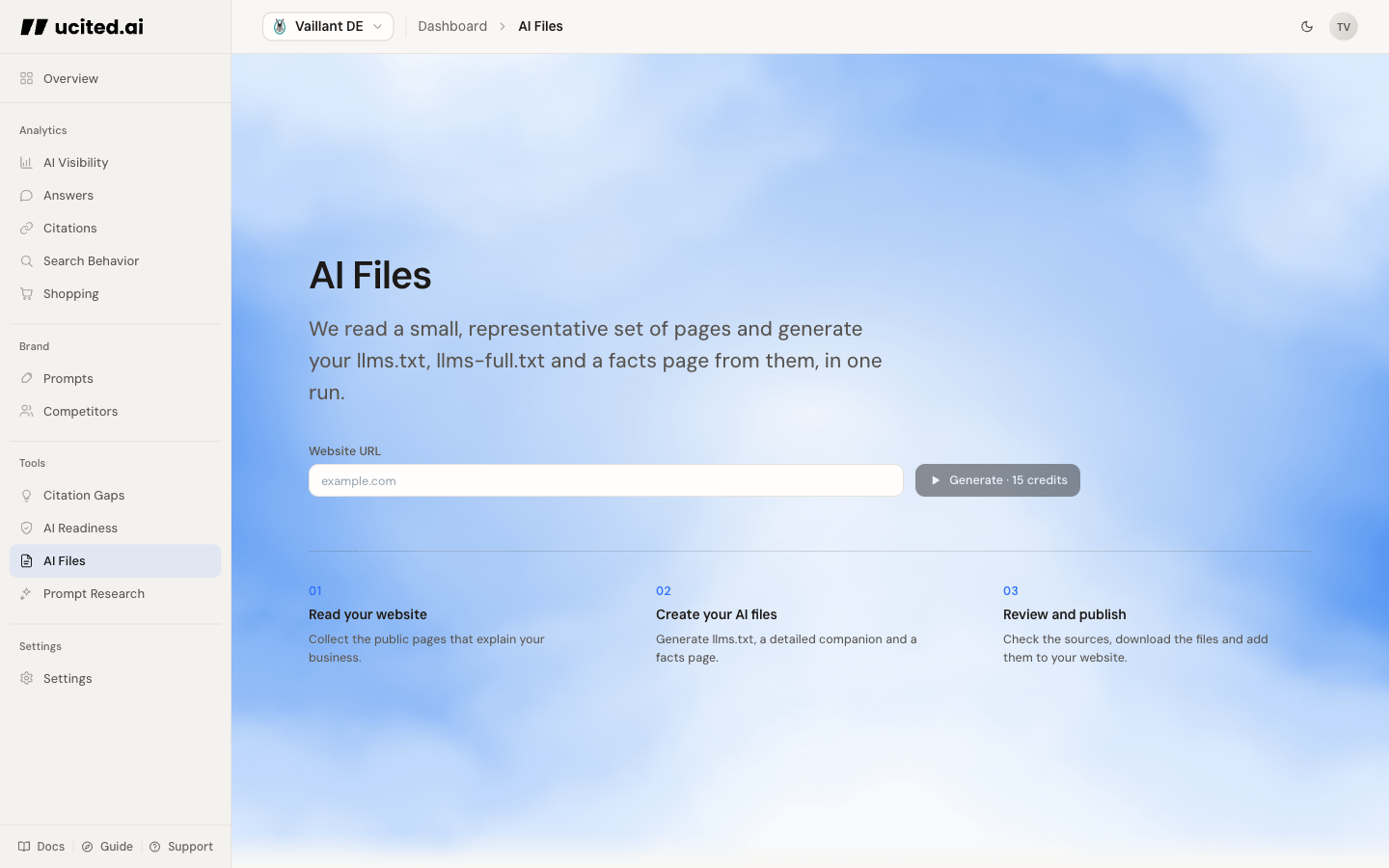
Generate your files
Enter a website URL and run it. ucited.ai reads a small, representative set of pages from the site and produces the whole bundle in one run. AI Files works at the company level, so one run describes your website as a whole, not a single client.
What each file is for
A run produces three artifacts. You can switch between them, copy the contents, and download each one.
- llms.txt is a short, structured map of your site. It gives AI systems a clean overview of what your website is about and which pages matter, without the noise of full page markup. Place it at the root of your domain.
- llms-full.txt is the longer version. It carries the same structure plus the readable content of the pages that were read, so an AI system that wants more detail has it in one file.
- Facts page is a plain, factual summary of your company and its offering, written so an AI system can quote it. You receive a draft as Markdown and standalone HTML. Check it against your sources before publishing.
Reading results
The result area puts the three artifacts behind a switcher. Below the artifacts, a "Pages read" list shows exactly which URLs fed the generation, so you can check the source and re-run if the site has changed.
Put llms.txt at your domain root and publish the facts page, then use AI Readiness to confirm the page is discoverable and readable for AI systems.
One run costs 15 credits for the full bundle. Review names, figures, descriptions and links before publication. Your team publishes and maintains the files. llms.txt is a proposed format, not a ranking requirement; these files do not guarantee use or citation by AI systems.
History
Every run is kept in the run history. Open an earlier run to review or re-download its files, or start a new run when your website content changes.