Shopping
How visible your brand and your products are when ChatGPT and Copilot recommend products.
What Shopping measures
Shopping analyses structured product recommendations captured in your tracked answers; so far ChatGPT and Copilot have delivered them. It shows products, brands and positions, plus prices, ratings or shops where available. This view does not measure purchases, revenue or actual customer interactions.
So far ChatGPT and Copilot have delivered product cards. The model filter offers every model you measure; a model without product cards shows an honest zero. An empty view may reflect missing structured results, collection coverage or your filters. It does not prove that your products are never recommended.
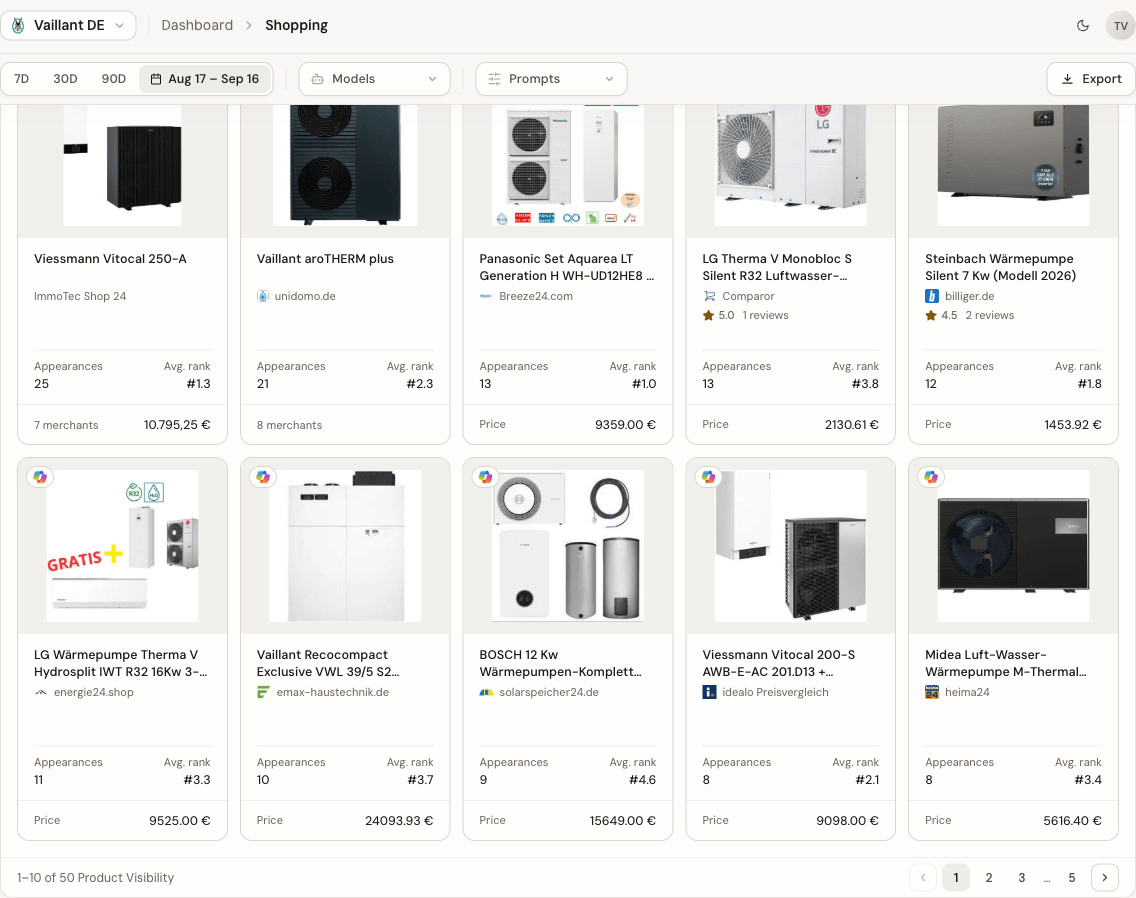
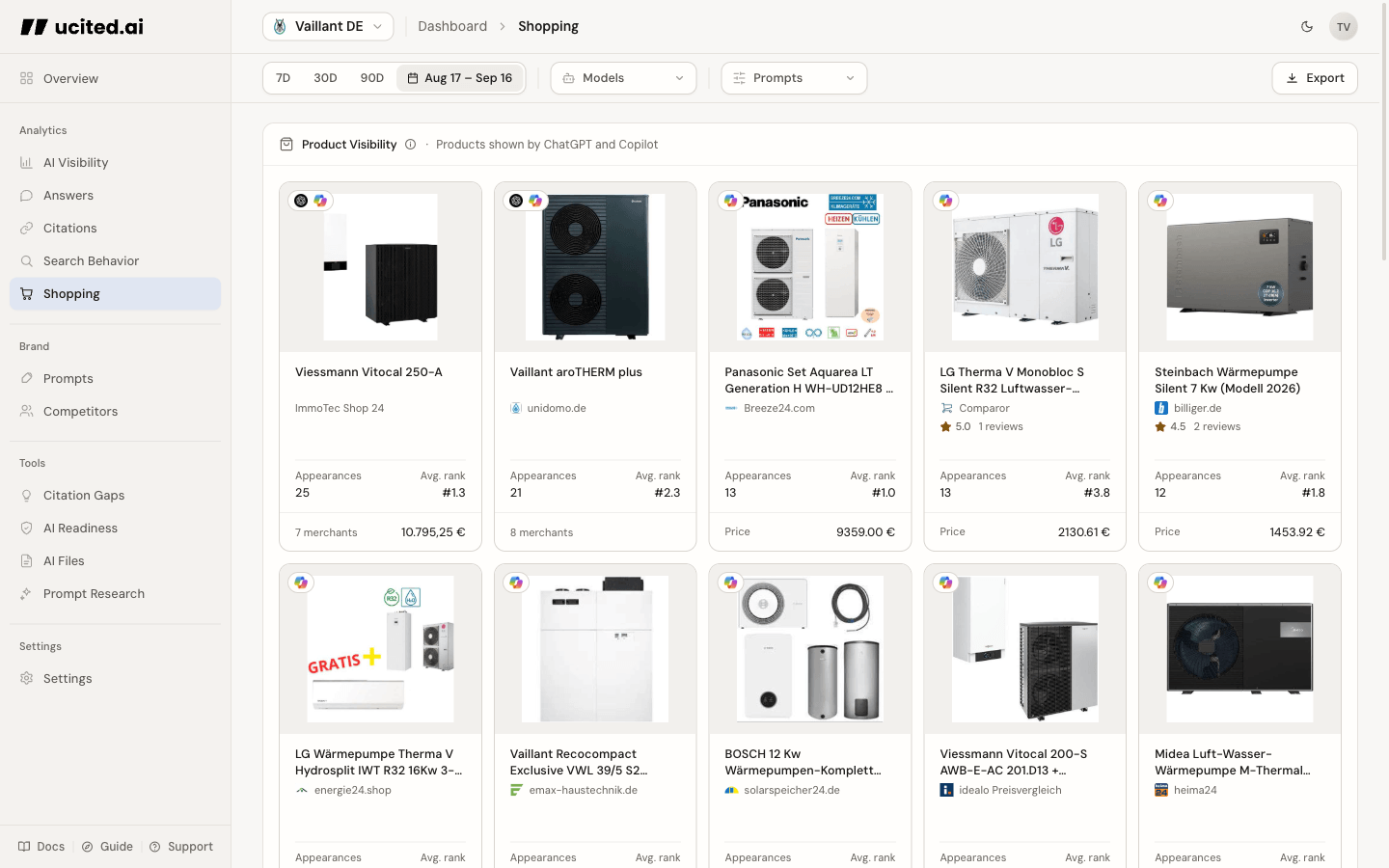
Product Visibility
The product gallery shows products from captured answers, their frequency and typical position within each selection. Additional details appear only where supplied. Interpret results within your prompts, market and selected period; they are not a global product ranking.
Top Brands
The Top Brands table ranks the brands ChatGPT and Copilot put in front of shoppers. For each one you see its visibility, meaning its share of all product mentions, its typical position in the list, and how often it appears. Your own brand is marked with a small label, and if it ranks further down it still stays pinned to the table, so you never lose sight of where you stand.
Products that match no tracked brand are left out of the ranking, but they still count toward the total. That keeps the shares honest, and the note below the table tells you how many mentions matched no brand.
A short prompt below the table points you to the searches that feed these rankings, so the table is not just a scoreboard but a starting point for what to fix. If your catalogue is empty, the table asks you to add brands first, because there is nothing to compare against yet.
Brand Visibility Over Time
Next to the Top Brands table, a chart draws a line for you and for each competitor, showing each brand’s share of all the product mentions ChatGPT and Copilot made, day by day. When a competitor’s line climbs above yours, they are winning more shopping visibility in that window. Every product they show is matched against the brands in your catalogue to decide who gets credited with the mention.
The chart only appears once you have a brand catalogue and at least one measured day. If it stays empty, add brands on the Competitors page and give it a little more data.
Google Shopping Search
Google Shopping Search shows the Product Queries: the queries ChatGPT sends to Google Shopping for its product search, ranked by how often they came up. This is not a complete list of searches: searches whose products the answer does not show can be missing.
Not every shopping answer (with product cards, products or a Product Query) carries a Product Query. The line below the list states how many shopping answers have Product Queries. Use recurring terms as research clues for your product copy and feed.
An empty section does not mean no search took place: without the provider capture, search data is missing even when product cards are visible.
How to work with this page
Choose purchase-oriented questions about use cases, budgets and product specifications. Then inspect which products appear in the measured answers. Use captured searches as research clues and compare them with product information and other keyword data. After changes, monitor the same prompts again. Individual sources, ratings or feed changes do not guarantee a particular recommendation.
Search Behavior
See what assistants search for across all your prompts, not just shopping.
Share of Voice
Compare shopping visibility with your general brand visibility.
Competitors
Curate the brand catalogue that every Shopping ranking is measured against.
Manage Prompts
Add purchase-oriented prompts to measure shopping visibility more directly.