
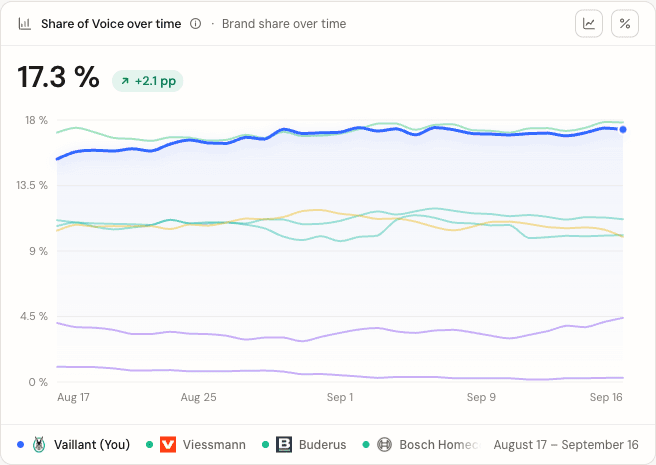
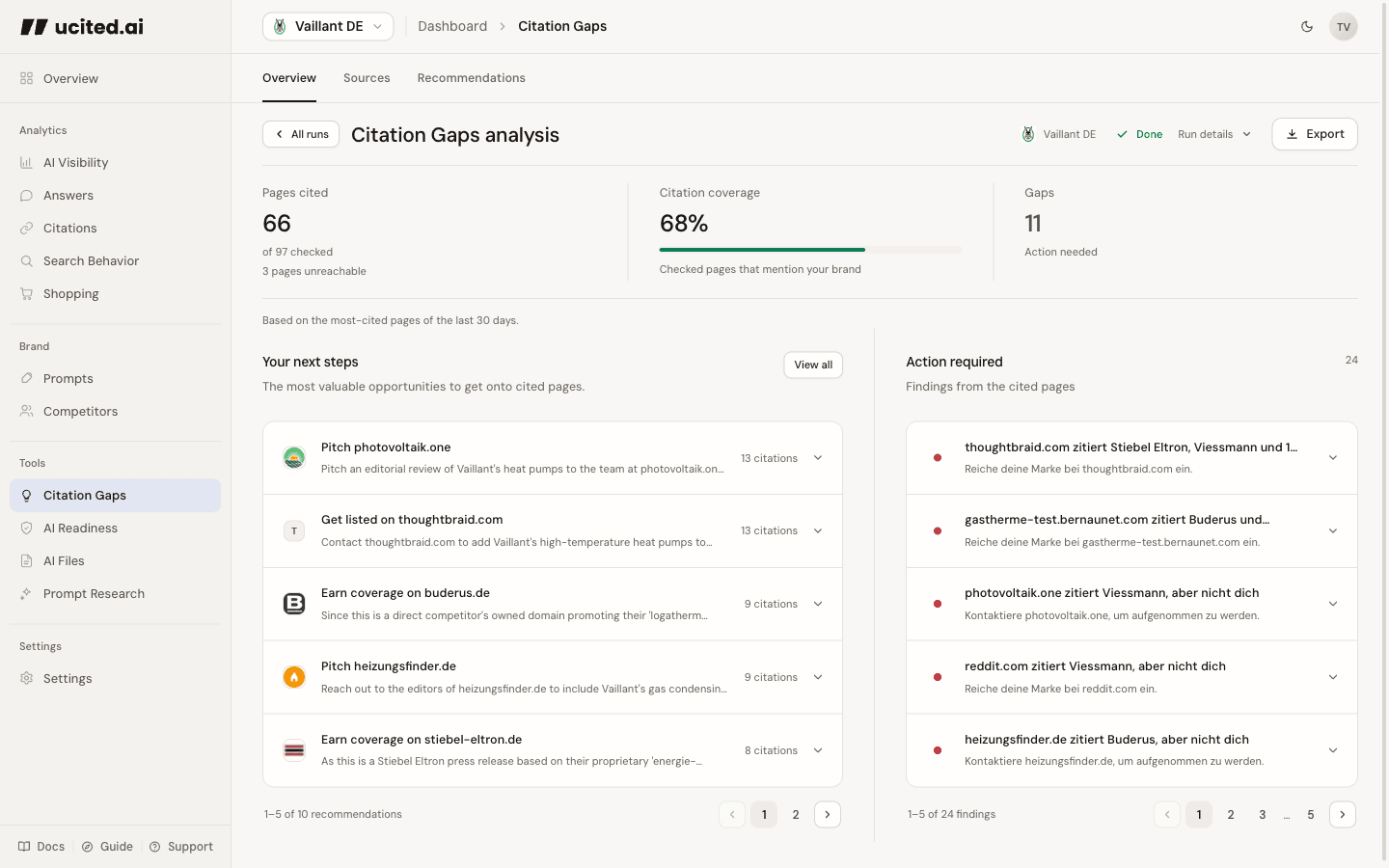
ucited.ai tracks how often your brand is mentioned by the AI models available in your dashboard when they answer questions relevant to your market. You see changes to your Share of Voice (SOV), compare against competitors, and get recommendations on how to improve.
SOV is the percentage of brand mentions that are yours across all AI-generated responses for your tracked prompts. Formula:
your_mentions / total_brand_mentions × 100%. Each brand counts at most once per answer. Example: if your brand appears 75 times across 500 total brand mentions, SOV = 15%.The available models come from the active model registry. The model filter in the dashboard toolbar narrows your analysis; it does not change tracking settings. Tracking runs on the schedule you set per prompt and model — daily by default.
By default, we query every tracked prompt across every enabled model once per day. You can set a different schedule per prompt and per model — for example, daily for your top prompts and weekly for the rest. New prompts are picked up by their next scheduled run. Historic data is preserved so you can see trends over weeks and months.
A prompt is a question representative of what your audience asks AI models (e.g. “Best CRM for small teams?”). There is no cap on active prompts — track as many as you want. Each scheduled run (per prompt, per model) and every on-demand tool draws from your workspace's shared monthly credit pool. Prompts belong to the client you create them for; the credit pool is shared across all clients in the workspace.
A client represents one brand inside your workspace. Its profile shows one primary website when available, but clients without a website are supported too. How many clients can be active at once depends on your plan: 1 on the trial, 3 on Essential, 5 on Professional, 10 on Business. Switch between them using the client selector in the sidebar. Each client has its own brand profile, Search Terms, prompts and dashboards; Competitors is its curated brand catalogue.
Competitors are brands we look for in AI answers. Most are discovered automatically as your prompts return answers; you manage them on the Competitors page, where you can add any we missed or block ones that don't fit. Each brand's mentions count alongside yours — so you can see who's winning Share of Voice in your market and where the gaps are.
Scheduled runs and tool launches pause until your next billing period brings new plan credits (unused plan credits roll over, up to one monthly allowance; trial credits do not roll over), or you buy a one-time top-up: top-up credits never expire. Nothing is deleted — your prompts, clients, and history stay exactly as they are, and your dashboards stay fully viewable.
Trial: after setup, start 7 days of full access with 400 credits from the plan page, no card required. After the trial, existing dashboards remain readable; runs and tools stop until you subscribe. Grace period: 7 days after a failed payment during which access stays active so you can fix your card. If payment is still unresolved when this window ends, subscription access is suspended.
Go to Workspace → Billing in the sidebar. You can compare plans, upgrade or downgrade, update your payment method via the Stripe customer portal, and download invoices. Upgrades apply immediately; additional plan credits are granted only after the prorated upgrade invoice has been paid successfully. Downgrades apply at the end of your current billing period.
Still got a question?
Send us a message, either by email or live chat. Whatever works for you.