Citation Check
Verify whether your brand is mentioned on domains cited by AI models.
What Is the Citation Check?
The Citation Check is a tool that automatically verifies whether your brand or website is mentioned on the domains that AI models cite as sources. It searches the search results of each domain for your defined search terms and shows you where you are already present — and where you are not.
Where to Find the Citation Check
The Citation Check is integrated directly into the Citations page. You will not find it as a separate tool, but as a function within the citation table.
- Navigate to Citations in the sidebar
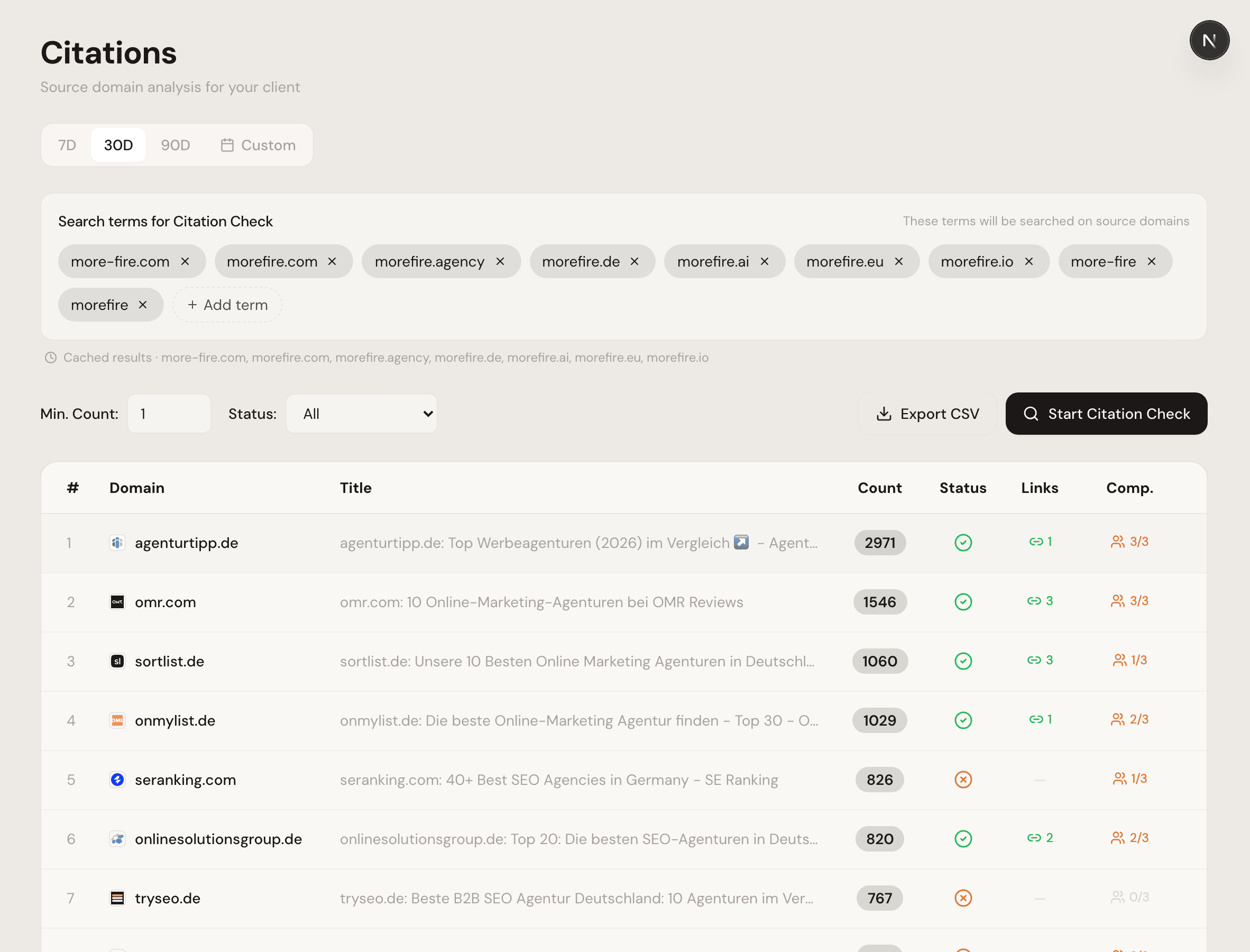
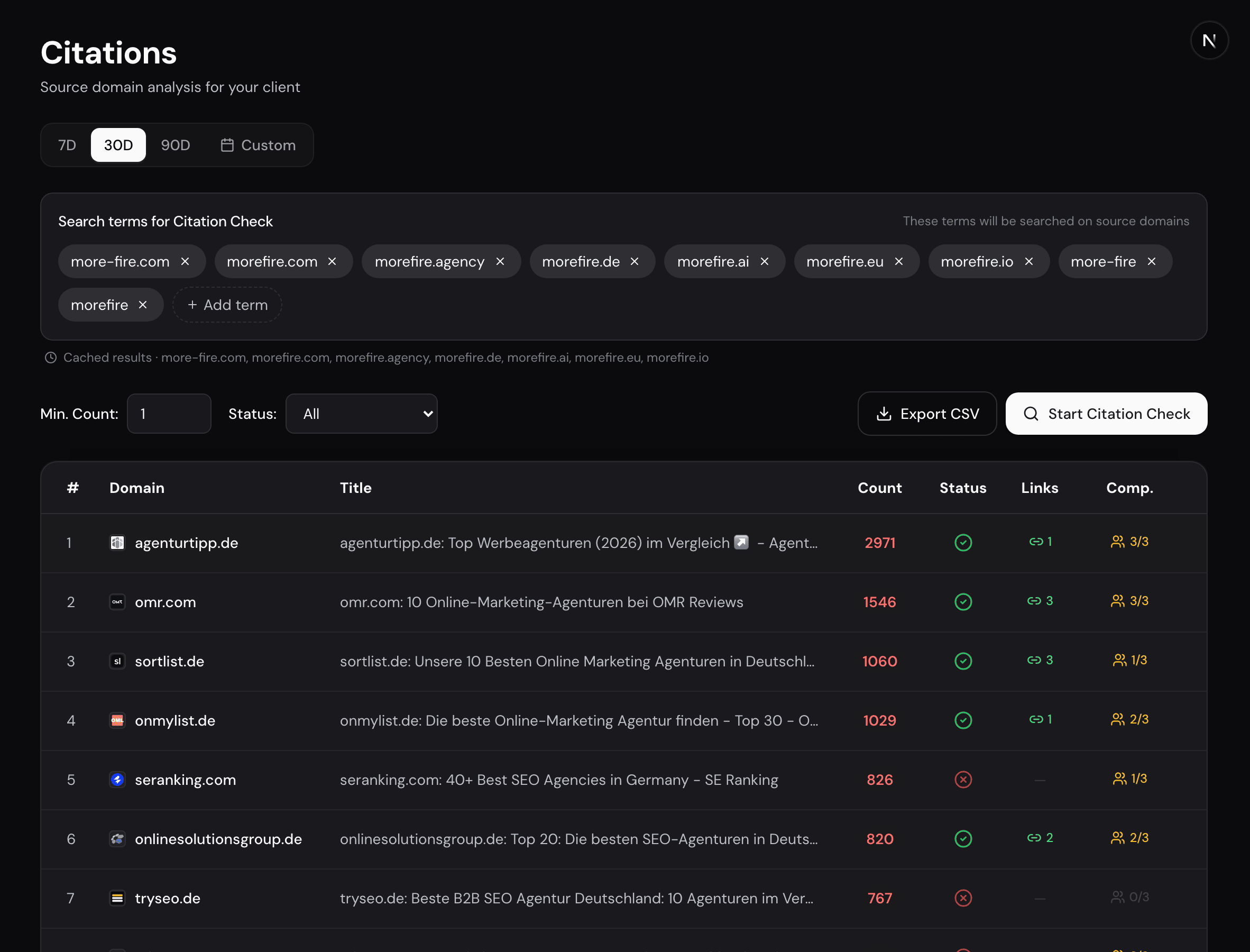
- Configure your search terms in the top section
- Click the “Check Mentions” button in the toolbar
Step 1: Configure Search Terms
Before starting the check, make sure your search terms are correct. ucited.ai automatically suggests the following terms:
- Your brand name / display name
- Your configured website domains
You can add more terms or remove irrelevant ones. Typical additional search terms:
- Product names
- Alternative spellings
- Abbreviations or acronyms
Tip
The search is case-insensitive — “MyCompany” will also find “mycompany” and “MYCOMPANY.”
Step 2: Check Domains
The Citation Check examines the 20 domains currently displayed on the page. Here is how to proceed:
- Make sure the desired page of the table is displayed
- Click “Check Mentions”
- Wait until the check is complete (status is shown per domain)
To check additional domains, navigate to the next page and start the check again. Results from previous pages are preserved.
Step 3: Interpret Results
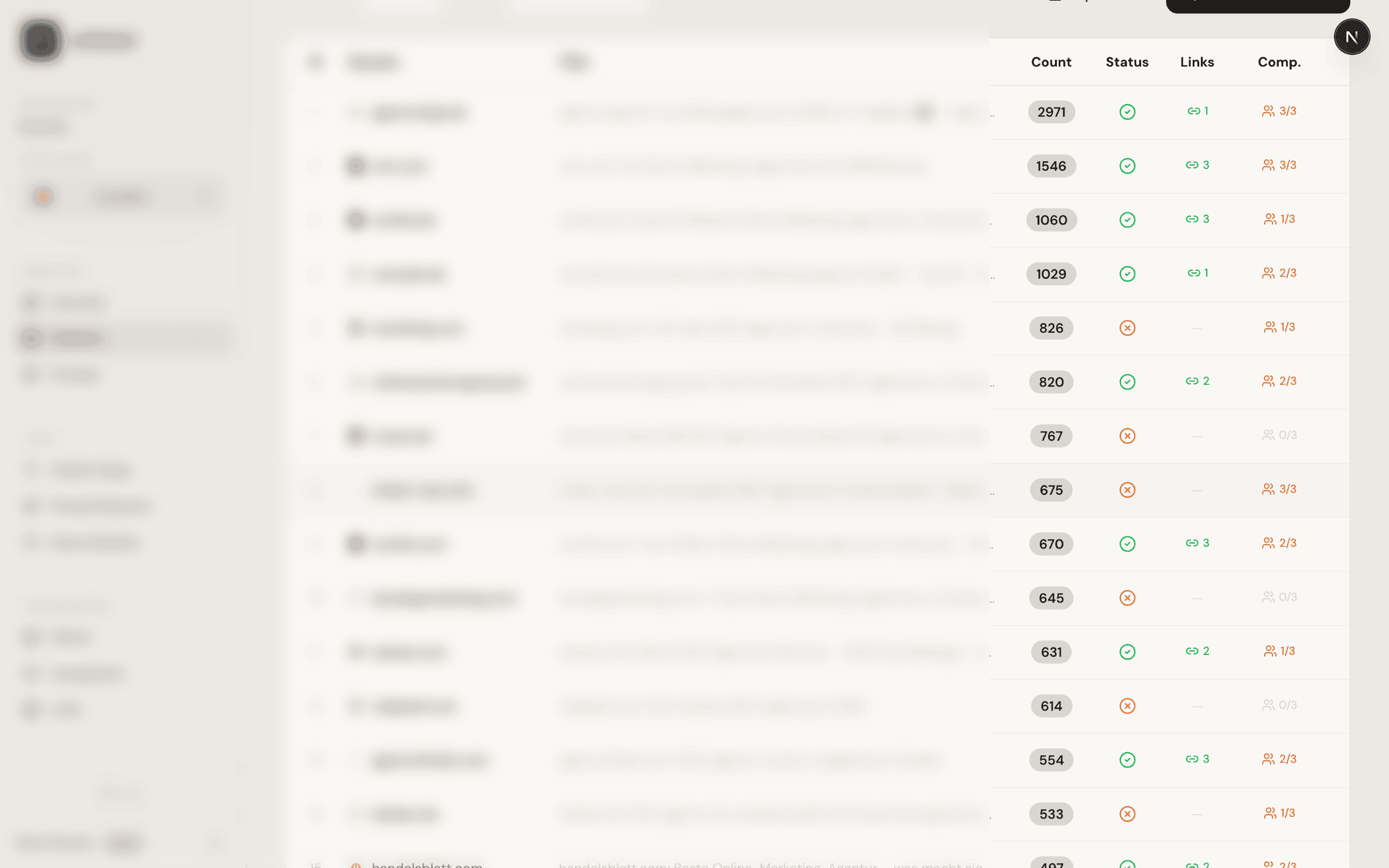
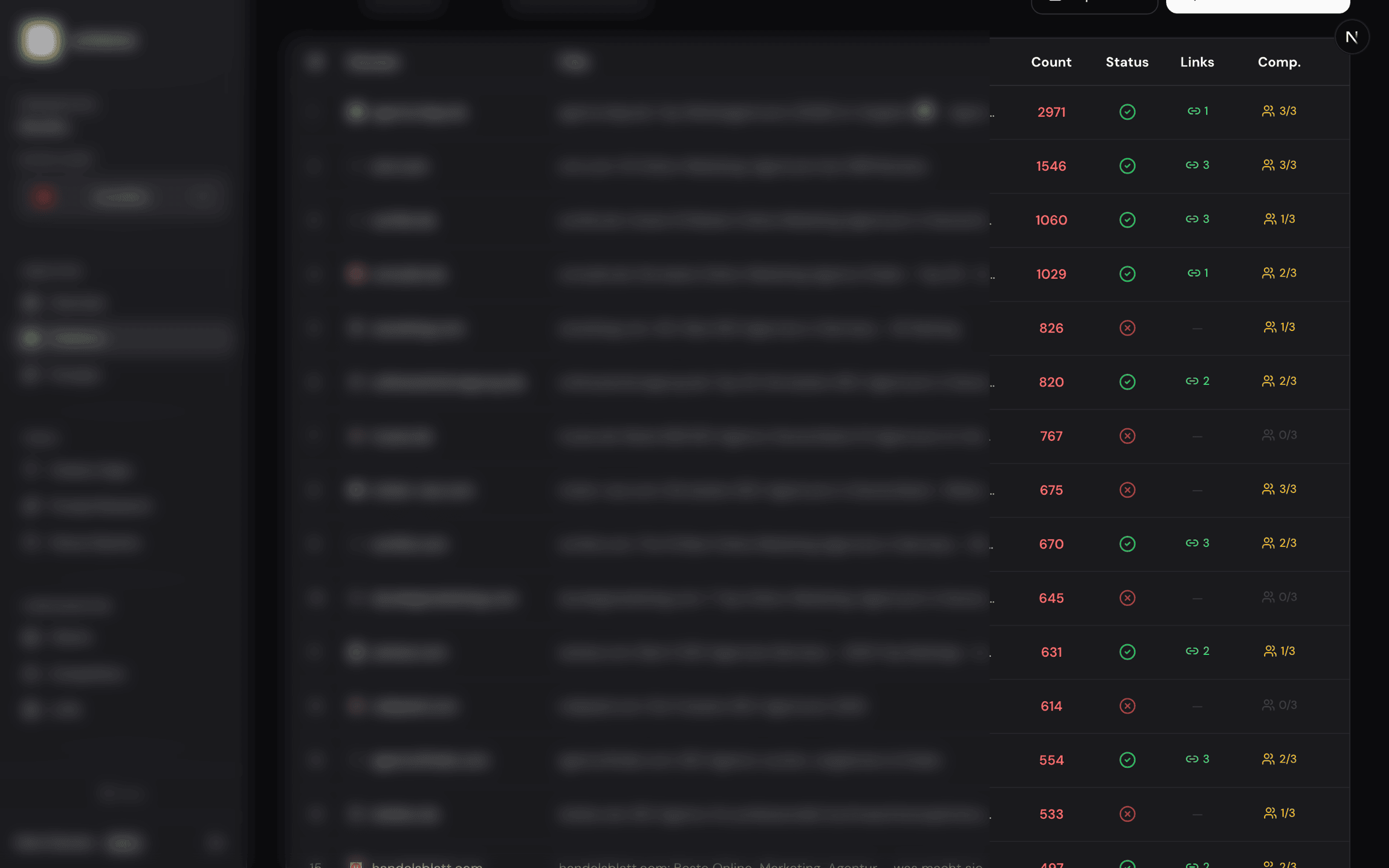
After the check, the “Mentioned” column is updated for each domain:
- Yes (green) — Your brand was found on this domain. Click “View links” to see the specific pages.
- No (red) — Your brand was not found on this domain. This is a potential gap you could close.
- Checking — The check for this domain is still in progress.
Step 4: Use the Results
With the Citation Check results, you can take targeted action:
- View links — Opens a dialog with the specific URLs where your brand was found, so you can review the presentation.
- Competitor Mentions — Shows which competitors are mentioned on the same domain.
- Use filters — Filter the table by “Not mentioned” to see all gaps at a glance.
- Export CSV — Download the complete results for further processing.
Recommended Action
Focus on frequently cited domains (high citation count) where you are not mentioned. These offer the greatest potential for new visibility.